Javis OS Blog
Guides to Javis OS and putting AI assistants to work every day.
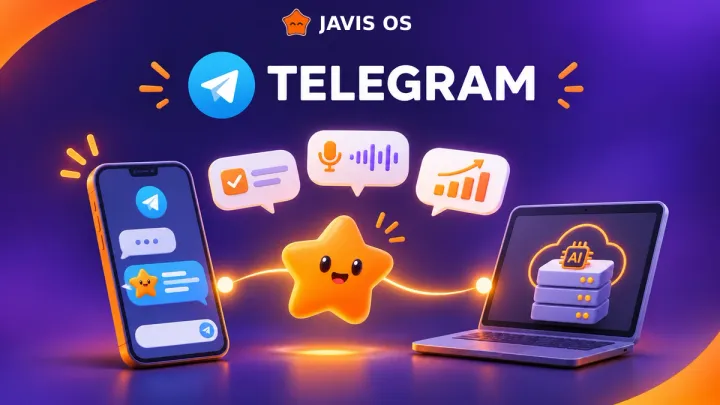
Connect Javis OS to Telegram: ask questions and get reports on your phone
Create your own Telegram bot in 5 minutes and message Javis like a person: ask for figures, send images, give voice commands, and receive background task reports without opening the dashboard.
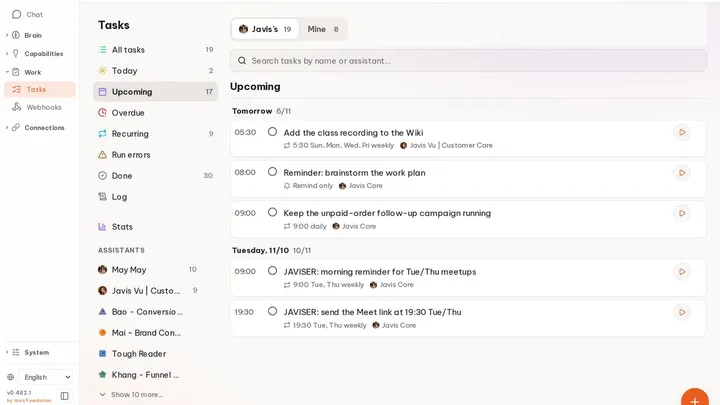
Assign background work to AI: Tasks, Reminders, and Loops in Javis OS
Three ways to keep Javis OS working when you are away from your computer: assign a one-time task, set a timed reminder, or create a loop that runs on its own. When to use each, and how to run them safely.
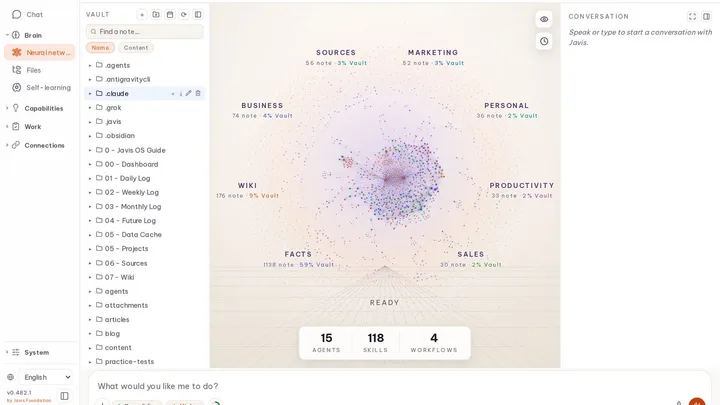
Second Brain: how Javis OS remembers you and gets smarter over time
Javis OS has an "external brain" made of markdown files: it remembers who you are and what your business does, learns from each conversation, and lets you undo any learning with one click.
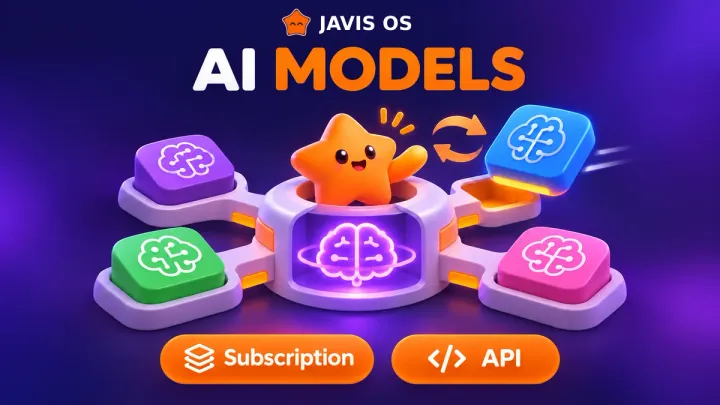
Choosing a brain for Javis OS: your existing subscription or an API key?
Javis OS works with 14 different brains. This guide helps you choose between your existing Claude, ChatGPT, or Grok subscription and an API key, and set up fallbacks so you never run out of usage midway through a task.
Install Javis OS on a Hostinger VPS: run 24/7 with HTTPS and no domain purchase
A step-by-step guide to deploying Javis OS on a Hostinger VPS with Docker Manager: paste a URL, fill in three fields, and wait a few minutes for your own HTTPS link that works on your phone too.
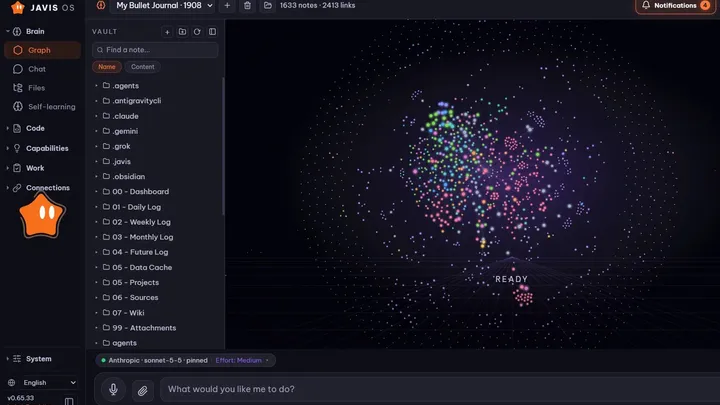
What is Javis OS? A self-hosted AI assistant with a brain you can swap
Javis OS is more than a chatbot. It is an AI assistant that runs on your computer or VPS, lets you switch models without losing any tools, and remembers you day after day.