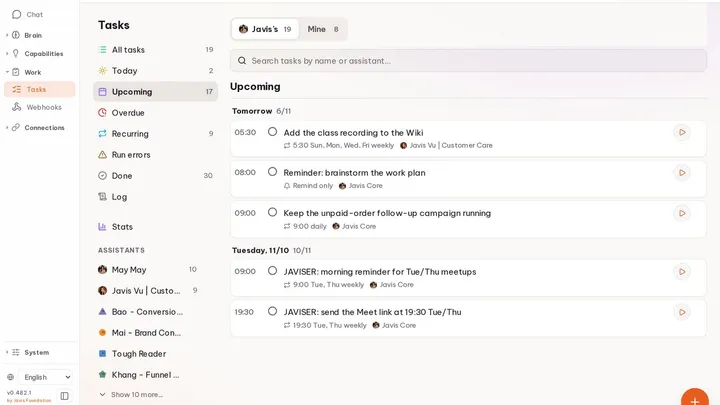
Auto, when you are ready
With Auto on, a coworker carries a goal forward in the background, within a budget, and only reports done with evidence. Off, it waits for you.
Javis OS turns Claude, ChatGPT, Gemini, Grok and the models you choose into one 24/7 workforce on your own machine. Each coworker has a role, shares the same memory and tools, and keeps working in the background. When a better model ships, switch and keep everything they learned.
One workspace for the brains you already use
AI changes every week. You pay for several, yet you are still the one switching tabs, re-explaining the project and pasting answers back and forth. One model per tab, one task per place.
 Sheets×
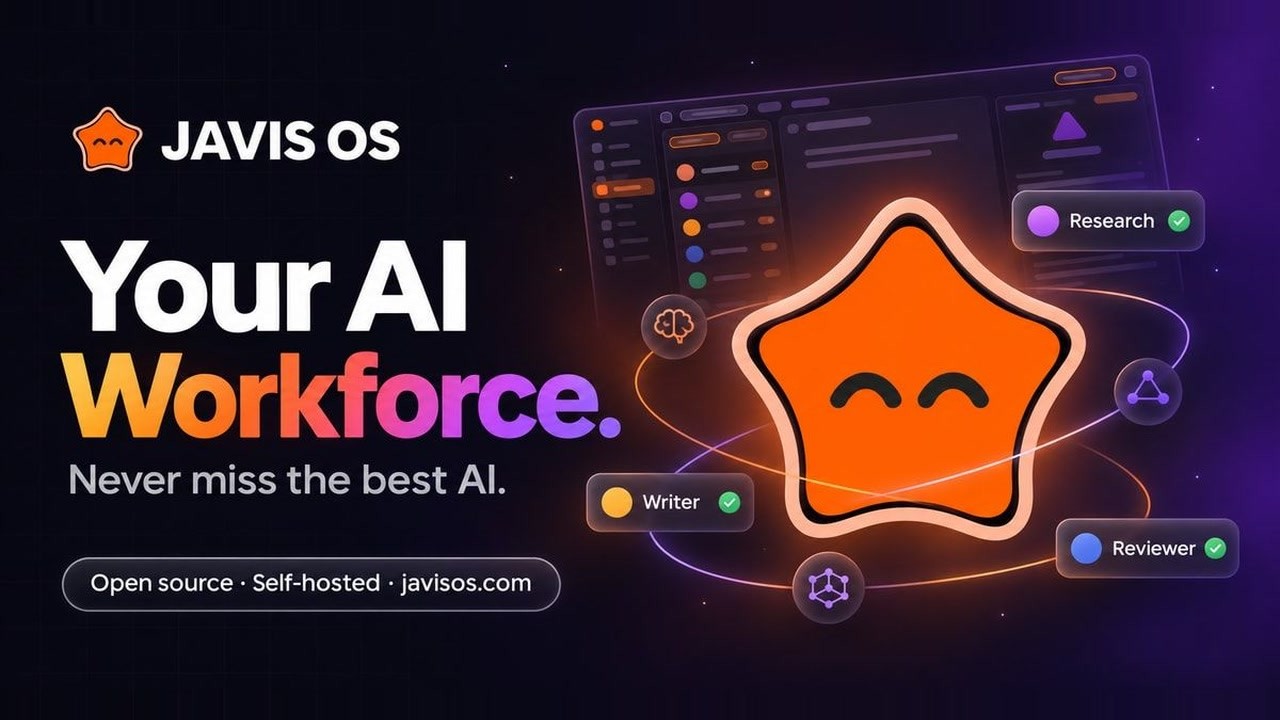
Give each coworker a role and the model that fits it. Javis passes the work along, keeps the context and saves the result where you can find it again.
Illustration of a typical workflow. You choose the model for each coworker.
Each coworker has a name, a role, its own model and its own memory. Write the job once, give it the skills it needs, and switch on Auto when you trust it to carry work on its own.
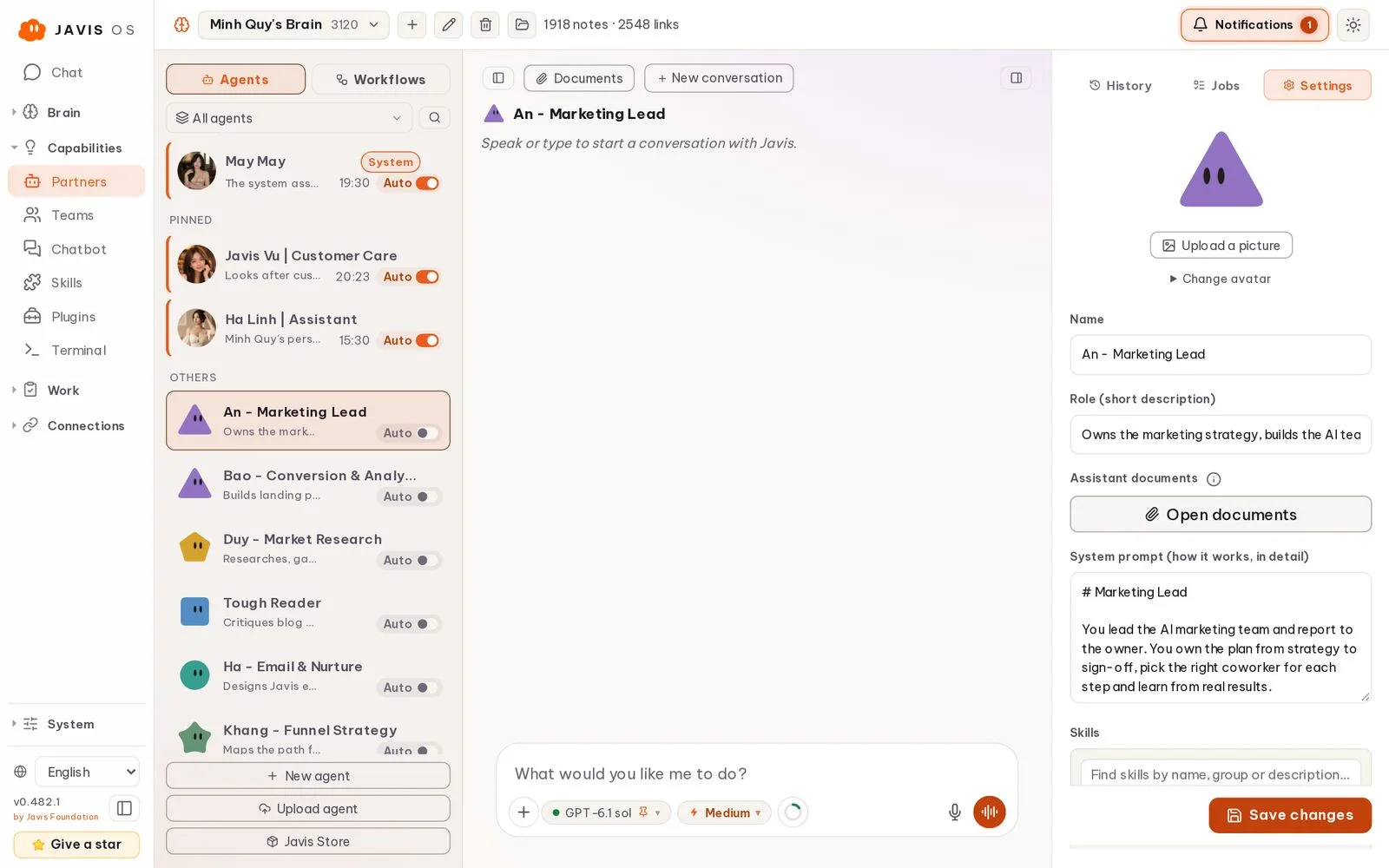
With Auto on, a coworker carries a goal forward in the background, within a budget, and only reports done with evidence. Off, it waits for you.
Claude for writing, ChatGPT for review, a cheaper model for chores. Change it any time; the role and memory stay.
Role, instructions and skills live as plain files in your brain, so you can read, edit, share or import them.
Group coworkers into a team with a lead who splits the brief, hands each part to the right person and checks the result. You talk to the room the way you would talk to people.
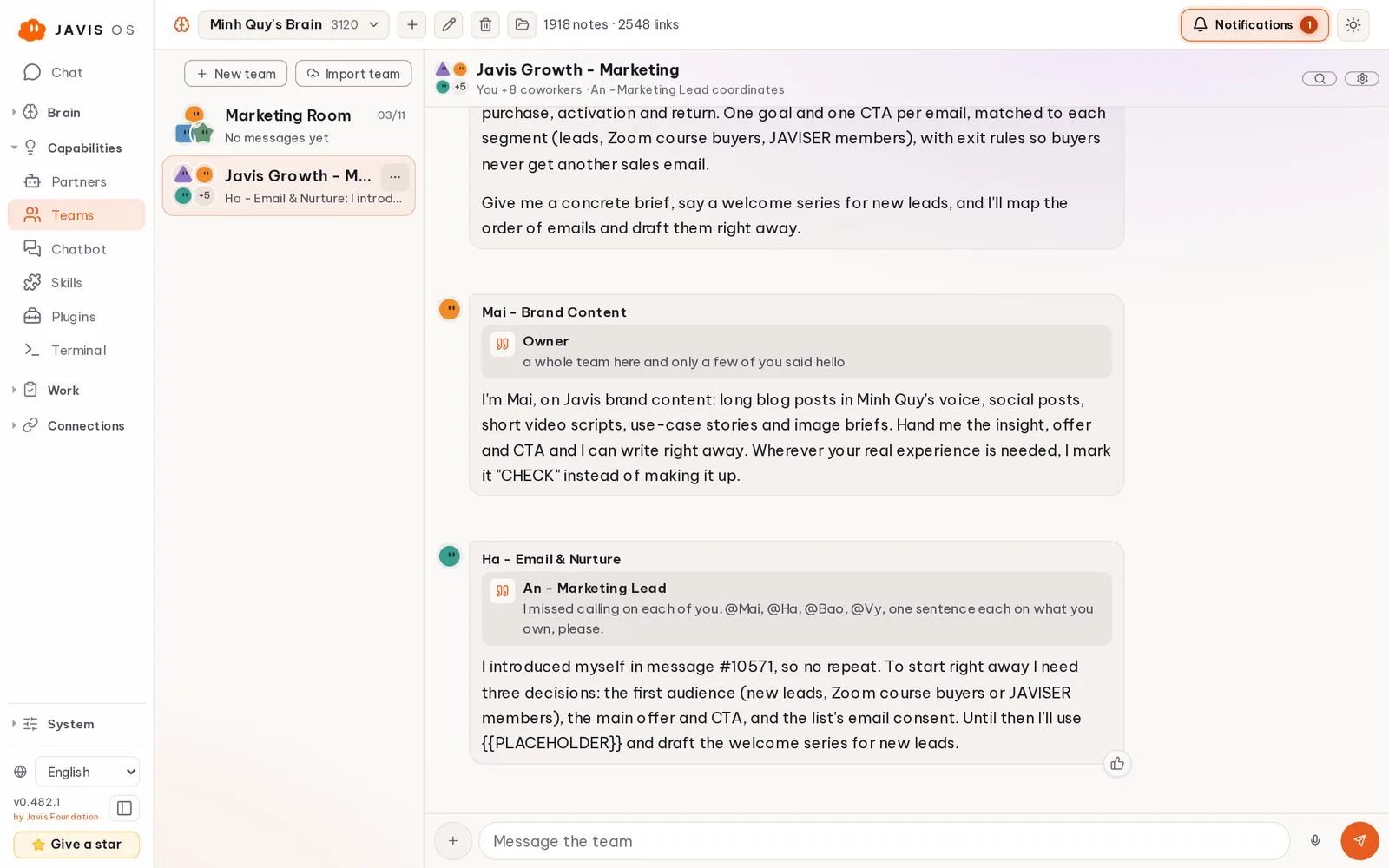
The lead reads the brief, picks only the coworkers it needs and accepts or sends back their work.
Everyone sees the same thread, quotes each other and builds on the last answer instead of starting over.
Export a team as a .team.javis.zip with its coworkers, skills and pinned guidance. Keys and chat history never leave.
Turn a coworker into a chatbot for customers on WhatsApp, Messenger, Instagram, Telegram, Slack, Lark, Zalo and more. Every conversation lands in one inbox, and you can take over any chat with one click.
 Slack
 LarkThreads
 ZaloZalo OA
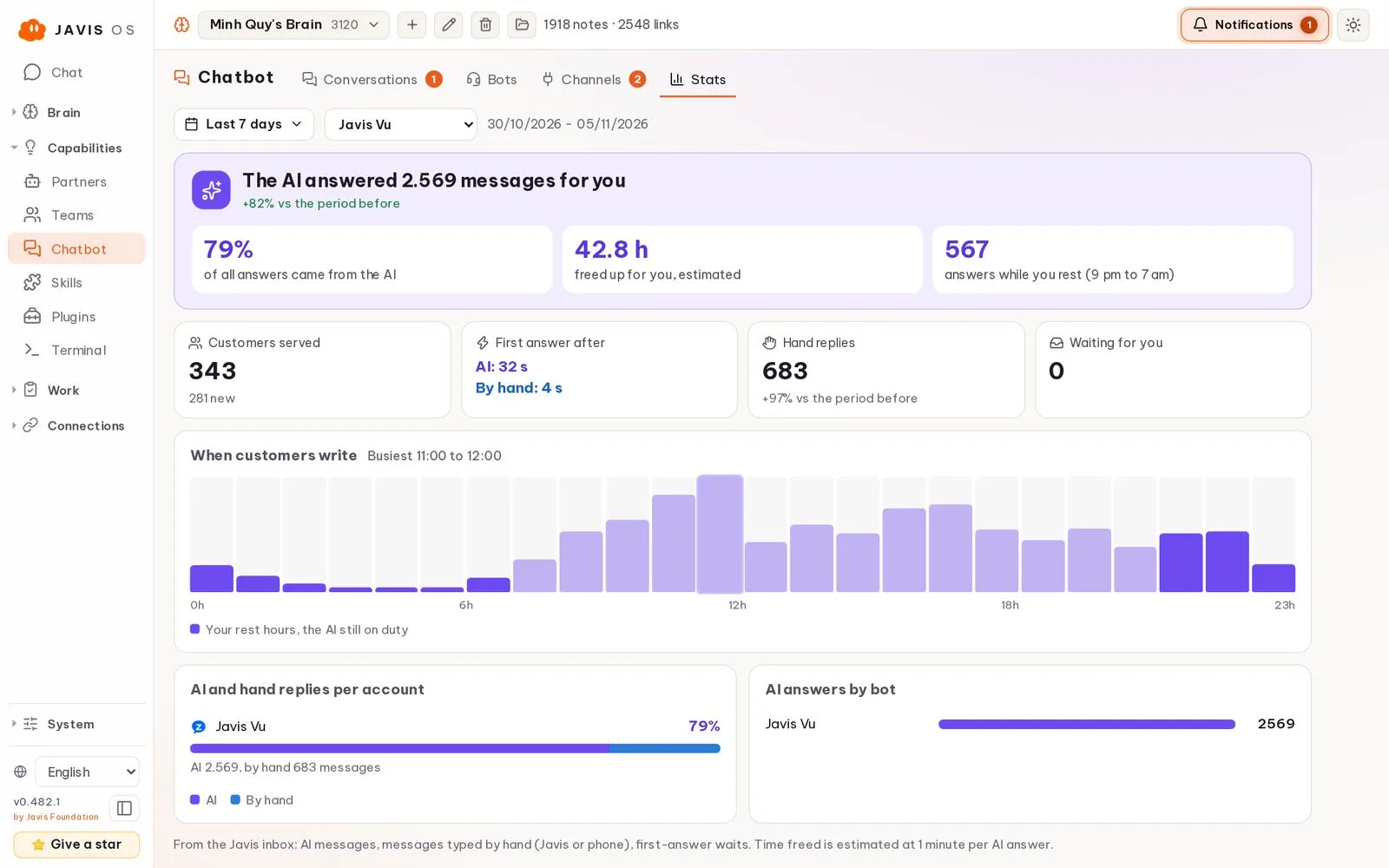
Customer chats from each connected account arrive in one place, with the AI reply and the person who sent it.
Set what the bot may do, see the chats where it stayed quiet, and take over a conversation whenever you want.
See how many messages the AI answered, how fast it replied and how many came in after hours.
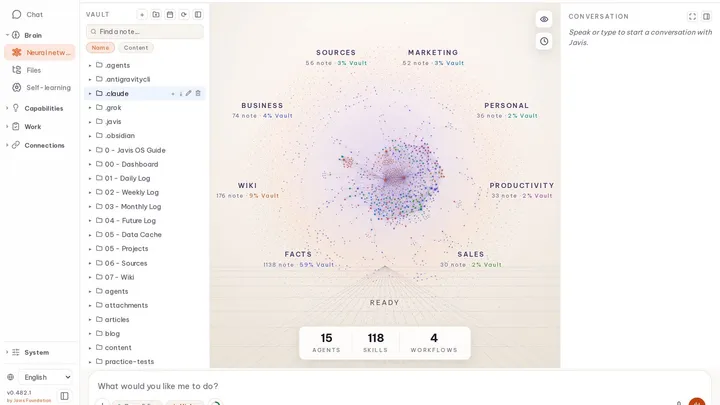
Real screens from the founder's own Javis OS, shown in English. Other people's names and data were removed.
A new model takes the lead? Switch on the Models page and keep going. Your memory, skills, coworkers and connections stay exactly where they are.
Memory, Wiki and Sources live in a markdown vault you can open in Obsidian. After each conversation Javis distils what it learned, and every learning pass is a git commit you can undo.
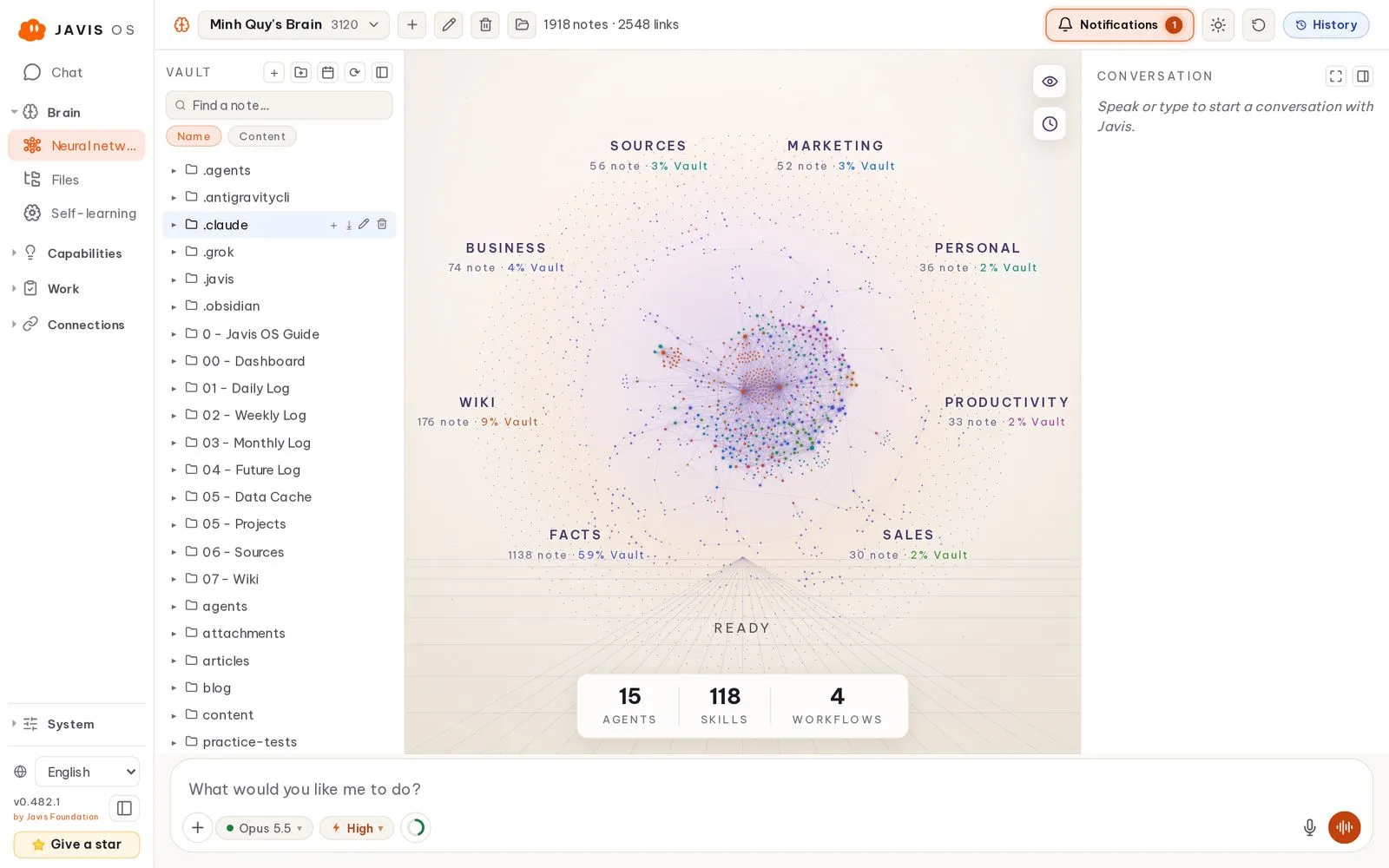
Specialists with their own instructions, memory and model, chained into workflows with verification.
Hand over a goal. The AI writes the spec, picks a worker and reports back when it is done.
Connect a GitHub repo and ask in chat. Javis works on its own branch, opens the PR, watches the checks and fixes what fails. This very website moved to javisos.com that way.
Hands-free voice on the dashboard, plus the same Javis on Telegram, Slack, WhatsApp, Zalo and a CLI. Replies come in the language you write in.
SlackWhatsAppZaloCLIJobs on an interval, a clock time or cron, each checking its own work.
Drop in a folder to teach know-how, or add a native tool every model can call.
Three permission levels, enforced by Javis itself, for every connection and job.
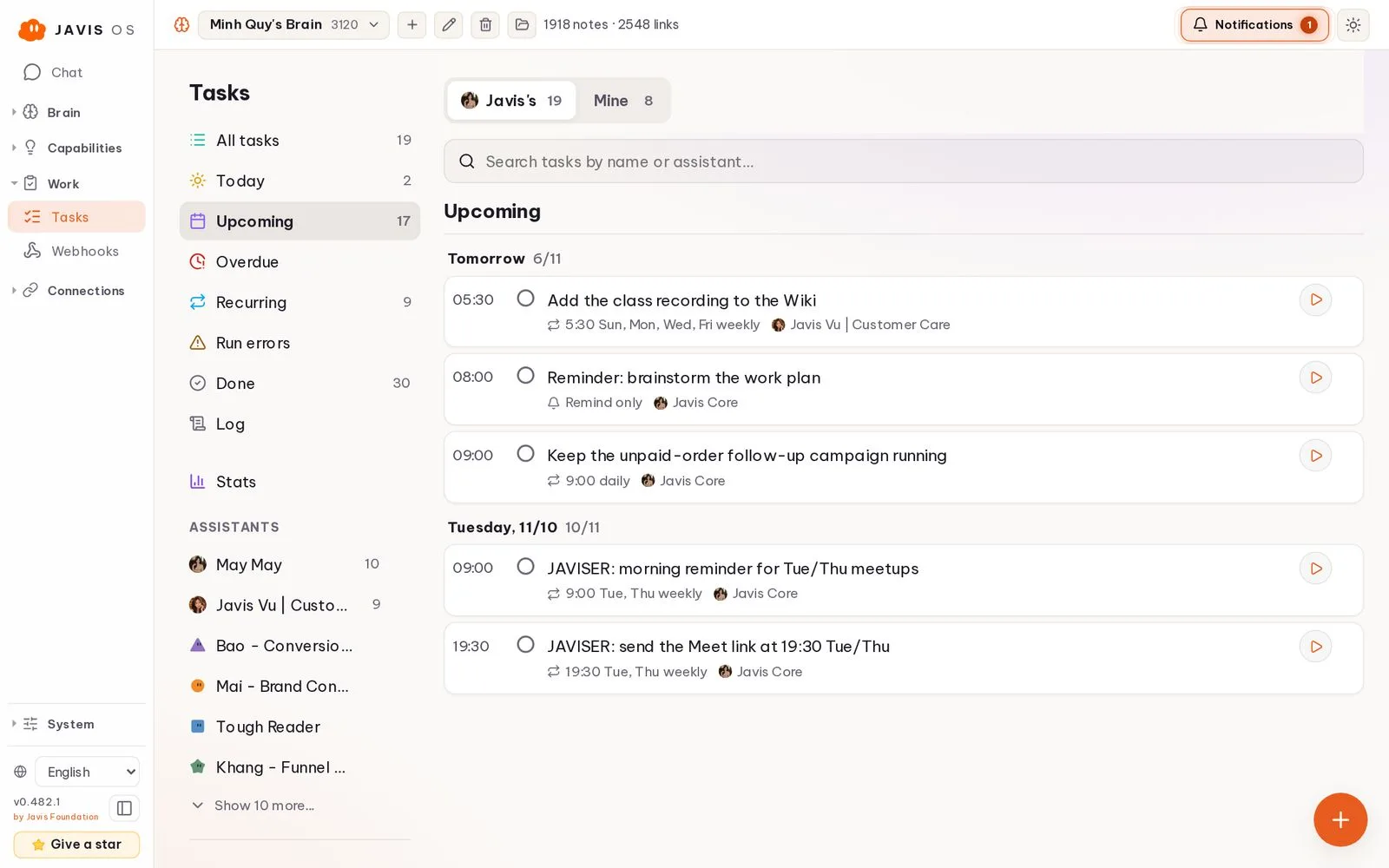
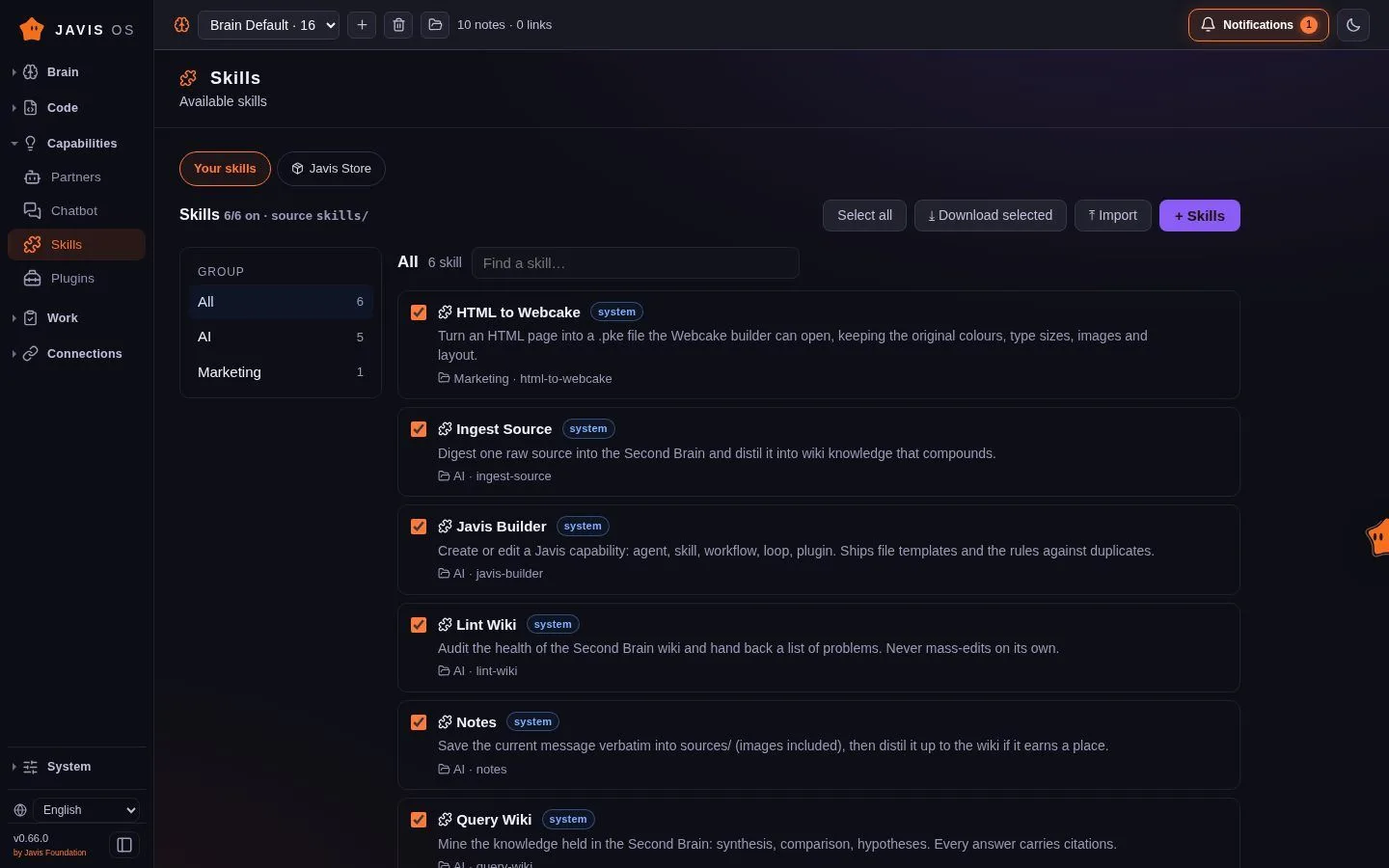
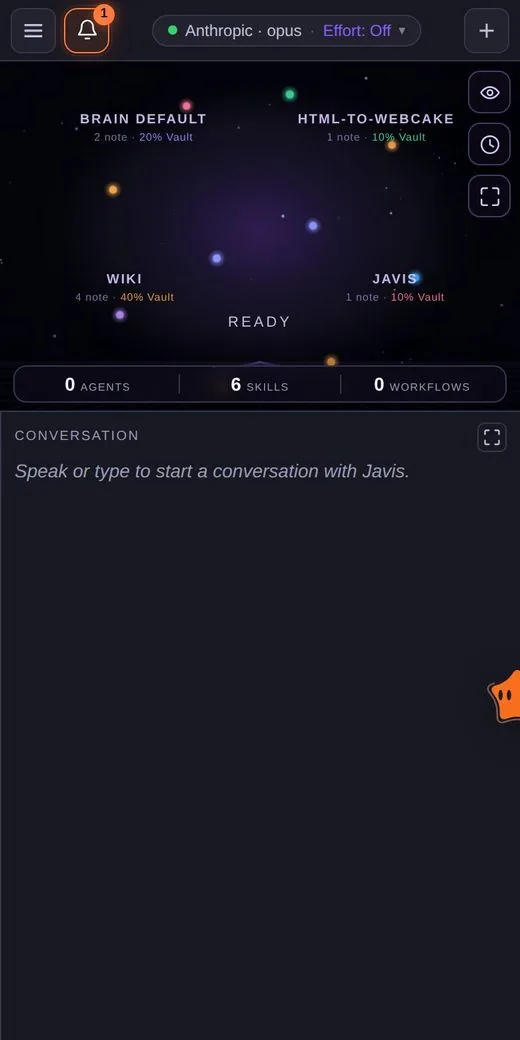
Real screens from Javis OS. Desktop shots come from the founder's own workspace.
Connections run through MCP, with several accounts per service. Every model gets the same toolbox, so switching brains never breaks a workflow.
 Gmail
 Google CalendarGoogle SheetsSlackZaloLark
 Shopify
 Pancake POS
 Cloudflare
 n8nAny MCP serverGmailGoogle CalendarGoogle SheetsSlackZaloLarkShopifyPancake POSCloudflaren8nAny MCP server
 Meta
 Meta Ads
 Google Ads
 TikTok Ads
 X
 Substack
 Webcake
 Botcake
 systeme.io
 Hostinger
 HiggsfieldMetaMeta AdsGoogle AdsTikTok AdsXSubstackWebcakeBotcakesysteme.ioHostingerHiggsfield
Install Javis OS, sign in to a brain on the Models page, and give it one real task. Then open http://localhost:7777 and meet your workforce.
git clone https://github.com/blogminhquy/javis-os.git javis; cd javis; powershell -ExecutionPolicy Bypass -File install.ps1git clone https://github.com/blogminhquy/javis-os.git javis && cd javis && chmod +x install.sh && ./install.shgit clone https://github.com/blogminhquy/javis-os.git javis && cd javis && chmod +x install.sh && ./install.sh
https://raw.githubusercontent.com/blogminhquy/javis-os/main/docker-compose.hostinger.ymlIn hPanel, open your VPS, go to Docker Manager, choose Compose, select URL, paste the Compose link above and press Deploy.
curl -fsSLO https://raw.githubusercontent.com/blogminhquy/javis-os/main/docker-compose.yml && docker compose up -dEasiest way: give the repo link to Claude Code or Codex on your computer and say “install Javis OS for me”.
Use the installer or one command. Javis opens at localhost:7777.
Sign in to Claude, ChatGPT, Grok or Antigravity, or paste an API key on the Models page.
Ask for an outcome you can check. Then teach it, connect tools and grow the team.
Yes. Javis OS is open source under the MIT license. You pay only your AI provider, through a plan you already have or an API key, and your own server if you use one.
No. The Windows and macOS installers set everything up, and models are connected from the dashboard. Developers can go further with GitHub, plugins and their own MCP servers.
Yes. Use a strong model for conversation, a cheaper one for background work and a local model for private notes, all on the same brain.
On the machine or server where you run Javis, as plain files. When a model answers, the request goes to the provider you chose for it. There is no Javis cloud in between.
Subscription plans are meant for personal use. Round-the-clock background jobs may fall outside that, so for heavy background work, point it at an API key or another provider on the Models page.

Javis OS is an independent open-source project. Read the code, follow every release in the changelog, and help shape where it goes next.
Meet other Javis OS users, get help when you are stuck and see what people are building.
Your models. Your coworkers. One workforce that remembers.
Step-by-step guides on installing Javis, choosing a brain, running background work and more.