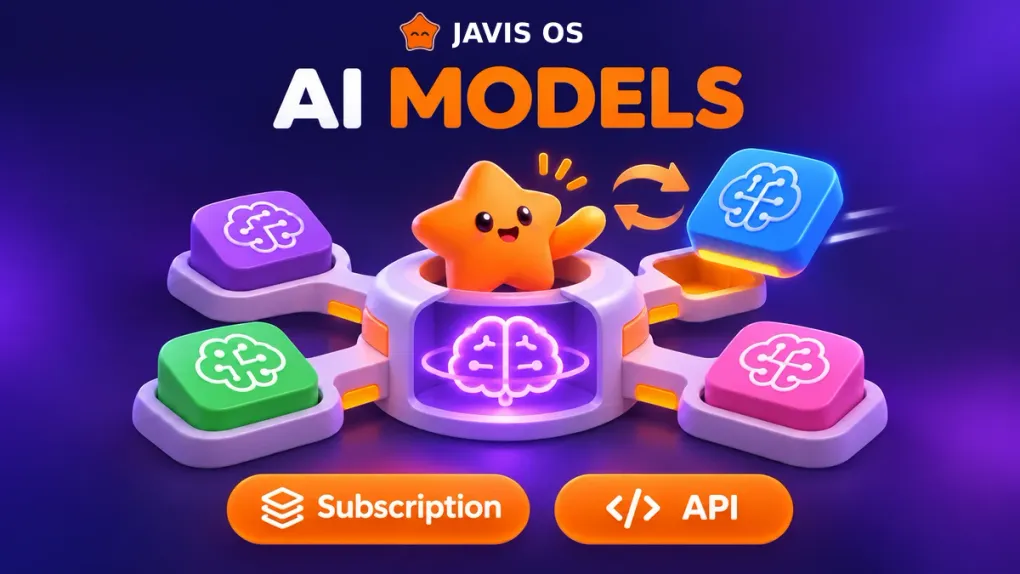
The first thing to understand about Javis OS: the capabilities live in Javis, not in the model. Every brain gets the same toolkit: calling connected services (POS, ads, calendars, Zalo, and more), reading and writing the brain, running skills, assigning background tasks, creating agents, and setting reminders.
So the question is “how do I want to pay?” rather than “which model can do this?”
Three groups of brains
1. Use the subscription you already pay for
No separate API purchase is needed. Javis runs with the account you already have:
- Claude Code: a Claude Pro or Max subscription.
- ChatGPT (via Codex): a ChatGPT Plus or Pro subscription.
- Grok Build: a SuperGrok or X Premium+ subscription.
- Antigravity CLI: your Google subscription, with access to the full Antigravity model lineup, including models from providers other than Google.
This is the cheapest option if you already pay for a subscription. This group also has the strongest tools: running system commands, searching the web, and splitting work among multiple subagents running in parallel are all built in.
2. All you need is an API key
Paste your key on the Models page and you are ready to go: OpenRouter, OpenAI API, Anthropic API, Google Gemini, Groq, DeepSeek, Ollama Cloud.
A good fit when you want to pay for what you use, need a cheap model for background tasks, or want to keep 24/7 work completely separate from your personal subscription. OpenRouter is especially convenient: one key gives you access to many models.
3. Run locally or connect your own endpoint
- Ollama on your own computer: data stays on your machine, making it a good fit for private notes.
- Any OpenAI-compatible or Anthropic-compatible endpoint: use a key purchased from a reseller, or your own model server.
Together, that gives you 14 options to choose from.
Quick recommendations
- Already paying for Claude or ChatGPT: connect that subscription as your main brain. It is simple and capable enough.
- Running Javis background tasks continuously on a VPS: choose an API provider as your background task model and keep your subscription for chat. It is affordable and gives you peace of mind (see the note at the end).
- Want to try lots of models: OpenRouter.
- Sensitive data: Ollama running locally.
- Want Gemini: use Antigravity CLI, the Google Gemini API, or OpenRouter. Gemini CLI was removed from Javis because Google stopped allowing personal subscriptions to use it.
Usage order: never get stuck when you hit a limit
The Models page has a list called Usage order. The top card is MAIN, the main model for chat. The cards below it are Fallback 1, Fallback 2…
- If the main model hits its usage limit before writing anything, Javis automatically sends the same question to the next card. The chat shows a line such as “Using ChatGPT because Claude Code reached its usage limit,” and you do not need to resend your message.
- Multiple accounts on one card: the ChatGPT, Grok Build, and Claude Code cards accept additional accounts. When one account hits its limit, the next takes over. Javis only moves to the next card after all of them are used up.
- No doing the same thing twice: if the model has already sent a message or published a post before an error occurs, Javis stops and lets you know, without retrying through another model.
Changing the order is simple: drag a card to the top to make it MAIN.
Background task model: the biggest opportunity to save
Right below Usage order is the Background task model section. This model handles everything Javis does on its own while you are away: loops, background tasks, reminders, self-learning, and processing documents.
This is often where usage quietly adds up the most, so choosing a cheap model here makes a noticeable difference. The background task model does not change with MAIN: set it once, and it stays that way until you change it yourself.
Reasoning level (Effort)
Each card has its own Effort chip, ranging from Off to Ultra. Keep it low for simple questions to get faster, cheaper answers. Turn it up for work that needs deeper analysis, such as reading ad reports or making plans.
A candid note about subscriptions
Anthropic intends Claude Pro/Max subscriptions for ordinary personal use. Running background work 24/7, running on a VPS, or sharing one account among multiple people all fall outside that scope and carry a risk of account suspension, although Javis has not recorded any cases so far. The same applies to using multiple accounts for one subscription. xAI’s plans have not made this clear.
For peace of mind, run Claude Code with an API key, or point the background task model to an API provider. If your account is suspended, let the developer know through GitHub Issues so everyone can stay informed.
Still deciding where to run Javis? Read installing Javis OS on a Hostinger VPS.